AI-native architecture creation
Turn a natural-language prompt into a reviewable cloud architecture.
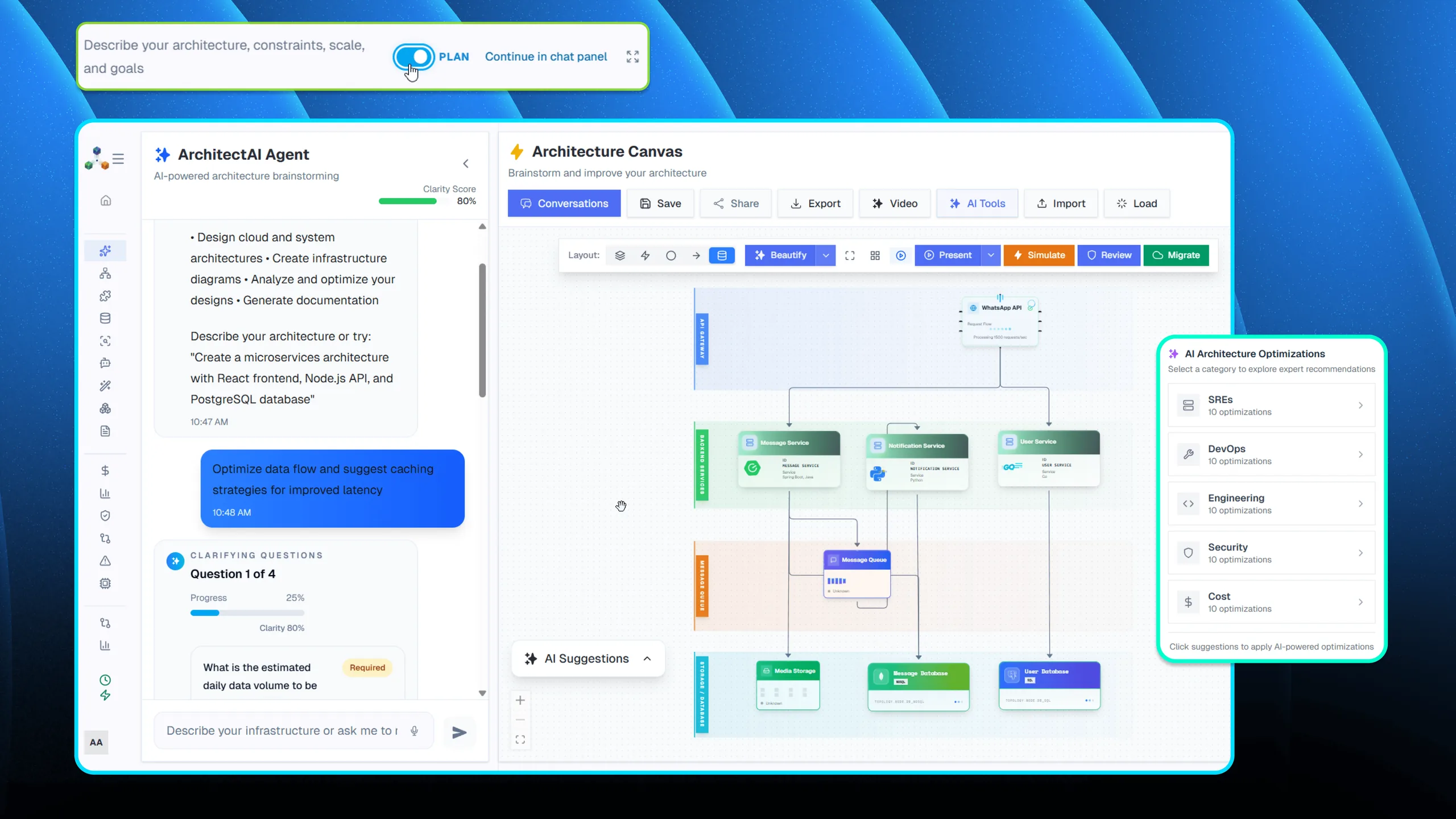
Architect AI is the front door to Architecto. It converts natural language, infrastructure context, and architectural intent into a diagram your team can immediately inspect, refine, and share. The module is built for teams that need fast system design exploration without losing engineering credibility.
Design
Prompt, code, pattern, or live context
Review
Cost, threat, scale, and compliance
Document
CoDocs, HyperDocs, and share links
Govern
Discovery, drift, and IaC continuity
Prompt-to-diagram generation
Translate architecture requirements into a structured topology with cloud primitives, connections, and service grouping.
Interactive refinement
Move from generated output to a working architecture canvas where teams can adjust services, data flows, and dependencies.
Architecture review handoff
Pass the generated architecture directly into cost, threat, compliance, and documentation workflows.
How it works
The workflow behind Architect AI.
Each step exists to reduce time-to-clarity for technical teams without forcing them into a separate diagramming or documentation toolchain.
Step 1
Describe the system
Provide the business context, service shape, cloud targets, or migration intent in natural language.
Step 2
Generate the topology
Architect AI assembles the initial architecture using supported cloud primitives and relationships.
Step 3
Refine for delivery
Edit the output and route it into analysis, documentation, and team-sharing flows.
Best fit
Integrations
Outputs
Related features
Explore the rest of the workflow.
Multi-diagram design suite
Flow IQ
Flow IQ gives engineering teams dedicated designers for flows, schemas, UML, sequence diagrams, APIs, ETL, use cases, and state machines.
Architecture pattern library
240+ Patterns
Architecto includes a large pattern library so teams can accelerate architecture work with credible starting points.
Cloud cost planning
Cost Estimator
Cost Estimator turns architecture diagrams into provider-aware spend visibility so teams can evaluate trade-offs before implementation.
Next step
See Architect AI inside the full Architecto workflow.
Start on the free plan, then move from this feature into the larger architecture, review, and documentation flow when the team is ready.