Read-only IaC intelligence
Find where a resource is declared, composed, and consumed.
IaC Explorer is a read-only projection rather than another infrastructure database. It connects providers, repositories, stacks, backends, modules, resources, dependencies, findings, generated documents, and revision history with exact evidence status and code provenance.
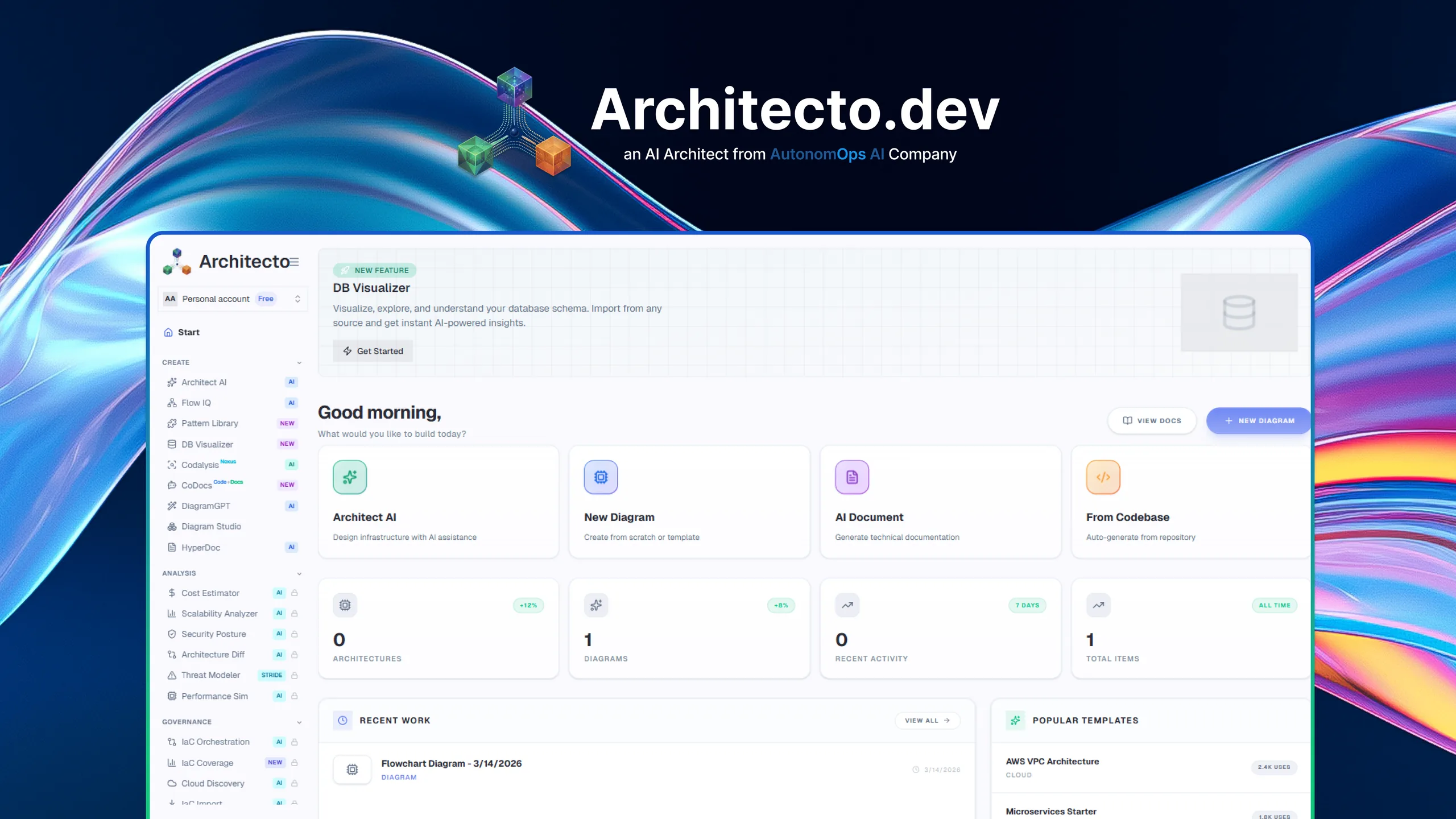
Design
Prompt, code, pattern, or live context
Review
Cost, threat, scale, and compliance
Document
CoDocs, HyperDocs, and share links
Govern
Discovery, drift, and IaC continuity
Code-to-resource lineage
Move between a resource and its repository, revision, file, line, module, backend, and consumers.
Typed natural-language queries
Compile questions into a validated query plan instead of allowing arbitrary database or provider execution.
Reproducible views
Save immutable server-filtered views and export the exact persisted result with its evidence status.
How it works
The workflow behind IaC Explorer.
Each step exists to reduce time-to-clarity for technical teams without forcing them into a separate diagramming or documentation toolchain.
Step 1
Pin the source revision
Choose the repository, stack, backend, workspace, and immutable revision to inspect.
Step 2
Navigate the projection
Search modules, resources, dependencies, findings, and documents through typed filters.
Step 3
Preserve the result
Save or export the exact bounded result with source and completeness lineage.
Best fit
Integrations
Outputs
Related features
Explore the rest of the workflow.
Evidence-first desired-state ingestion
IaC Import
IaC Import acquires, validates, parses, analyzes, and reconciles infrastructure sources with an immutable completeness receipt.
Git and IaC intelligence
IaC Orchestration
IaC Orchestration helps teams understand repository-backed infrastructure, query it, and move from architecture review to codified action.
Versioned infrastructure provenance
Infra Graph
Infra Graph builds a versioned, provenance-linked model across declared, observed, inferred, partial, and contradicted infrastructure relations.
Next step
See IaC Explorer inside the full Architecto workflow.
Start on the free plan, then move from this feature into the larger architecture, review, and documentation flow when the team is ready.