Version-to-version architecture change review
See what changed between architecture versions before the difference turns into confusion.
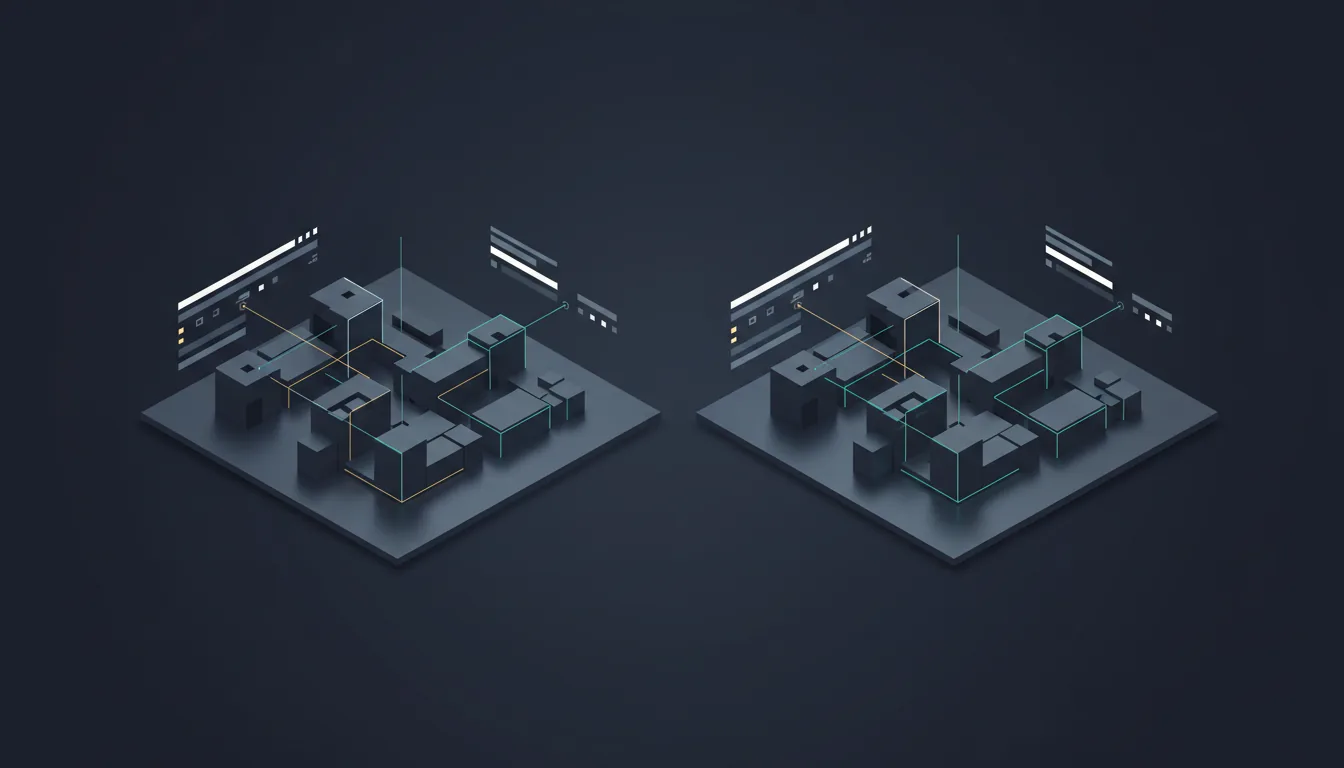
Architecture Diff is built for teams managing iterative design work. It makes changes visible across topology versions, helping engineering and architecture stakeholders understand what shifted, why it matters, and where downstream review is needed.
Design
Prompt, code, pattern, or live context
Review
Cost, threat, scale, and compliance
Document
CoDocs, HyperDocs, and share links
Govern
Discovery, drift, and IaC continuity
Version-aware change tracking
Compare saved design states without asking reviewers to manually scan complex diagrams.
Better design review context
Bring architecture evolution into change discussions, migration planning, and incident analysis.
Clearer stakeholder communication
Show what changed in a form engineering and non-engineering reviewers can understand.
How it works
The workflow behind Architecture Diff.
Each step exists to reduce time-to-clarity for technical teams without forcing them into a separate diagramming or documentation toolchain.
Step 1
Load the architecture states
Select a conversation, snapshot, or pattern version to compare.
Step 2
Review the structural delta
Inspect node, relationship, and system-level changes visually.
Step 3
Route the findings
Use the change story in design review, remediation, or documentation flows.
Best fit
Integrations
Outputs
Related features
Explore the rest of the workflow.
Code analysis powered by GitNexus
Code Analysis
Code Analysis connects repository insight to architecture review so teams can reason about impact, structure, and technical risk together.
Scale-readiness review
Scalability Analyzer
Scalability Analyzer evaluates architecture topology for bottlenecks, service pressure, and growth constraints before implementation teams are locked in.
AI documents with visuals
HyperDocs
HyperDocs combines an editor, AI generation, and rich visuals so architecture communication does not stall after the diagram is done.
Next step
See Architecture Diff inside the full Architecto workflow.
Start on the free plan, then move from this feature into the larger architecture, review, and documentation flow when the team is ready.